Plan the work.
Hand it to the agent.
pipelinr is a board for software teams that work with AI coding agents. Every task carries a plan and a summary, and copies out as a prompt for Claude Code or any other agent.
Six things it does
Boards in layers
Workspaces hold projects, projects hold layers, and each layer has its own lists. Drag cards and lists, file a release under a version, archive what is done.
One line files a task
Type the title, then @ a list, # a layer, ! a priority and + a label. Enter puts it on the board.
Written for an agent
Every task has a description, a plan and a summary. Copy one task or a whole list as a prompt to implement, plan, break down or review, with the project’s notes for agents.
In VS Code
Your tasks in the sidebar. Start one and the branch is made and the card moves; hand it to Claude Code from the same place.
Branches on the card
The extension publishes your repository’s branches, a task links to one, and the card says so when the branch is gone.
The whole task
Markdown with attachments, a checklist, comments, labels, and dependencies that lock a card until the work before it is done.
The board your agents work from.
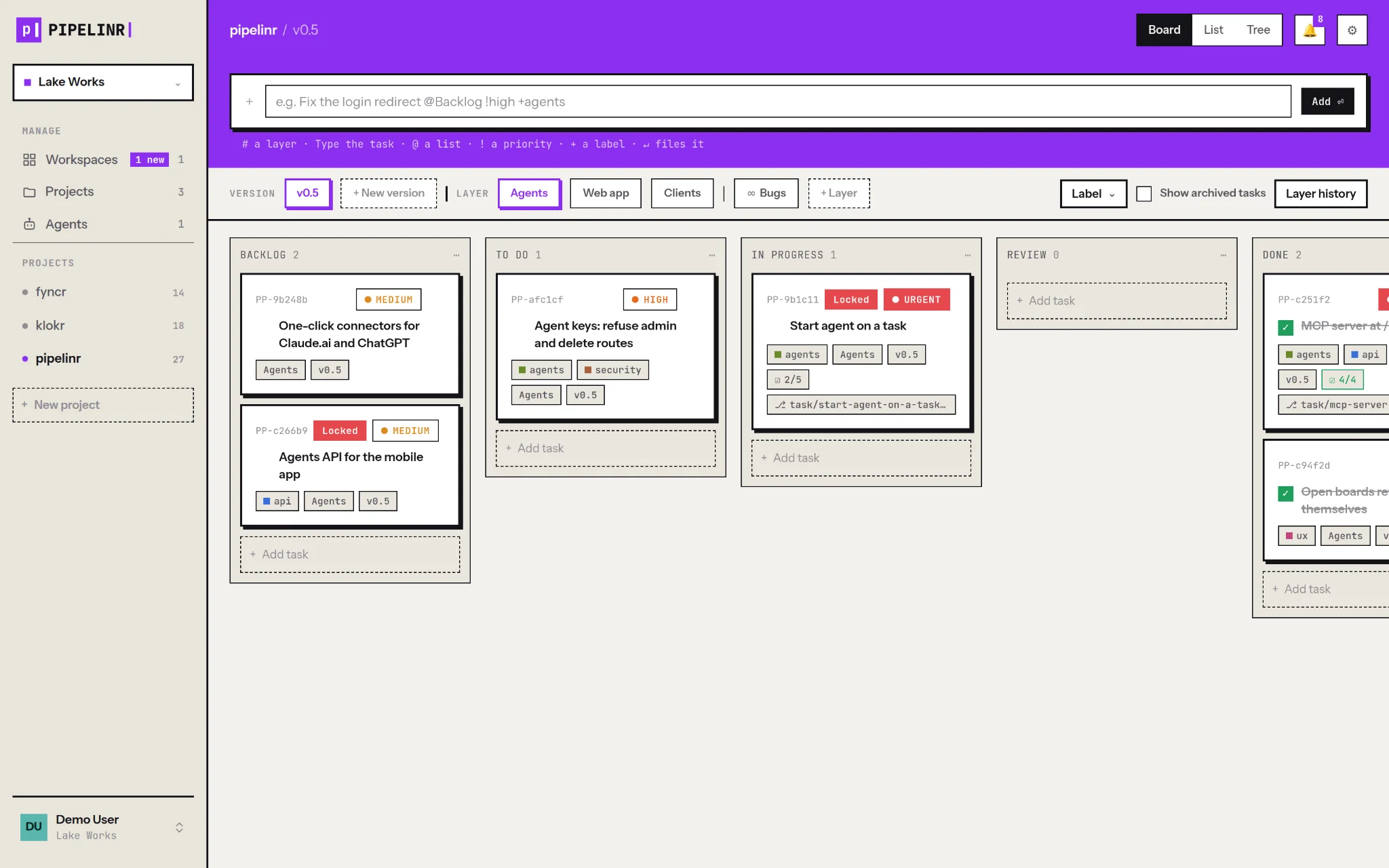
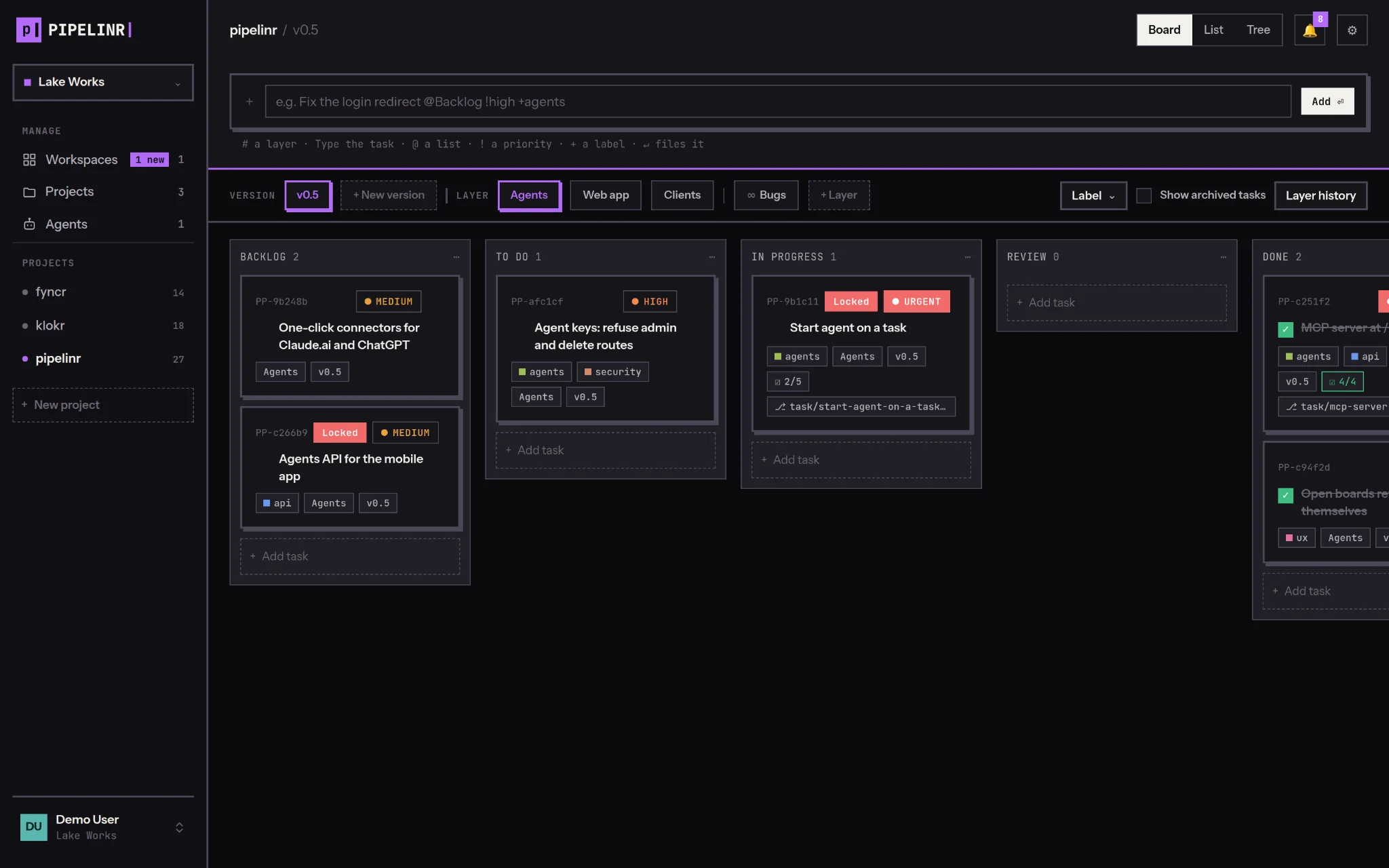
Layers for the parts of the product, versions for releases, lists for your flow. Cards show priority, labels, checklist progress and the linked branch, and the open board updates as teammates and agents work.
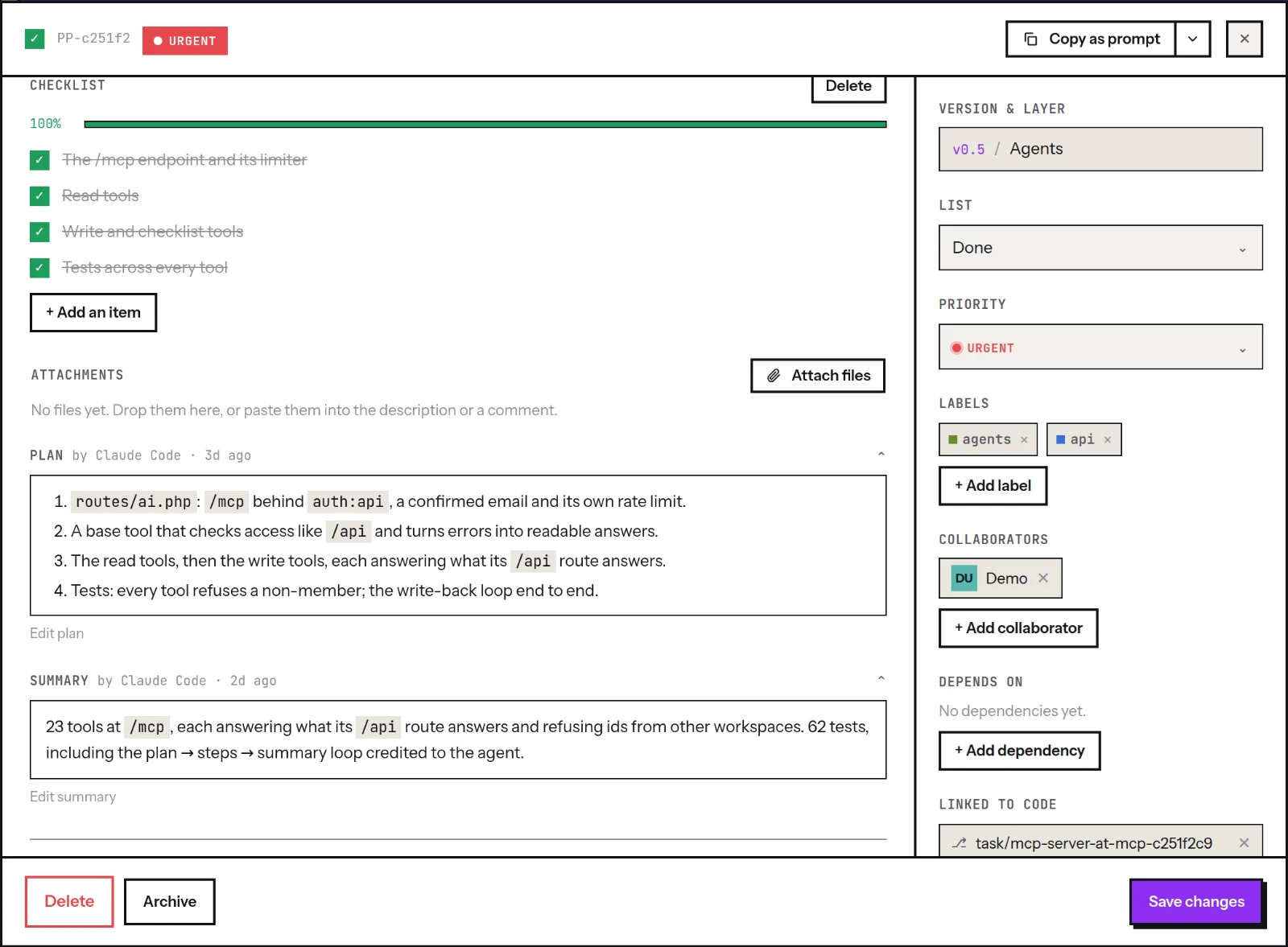
Every task is a brief
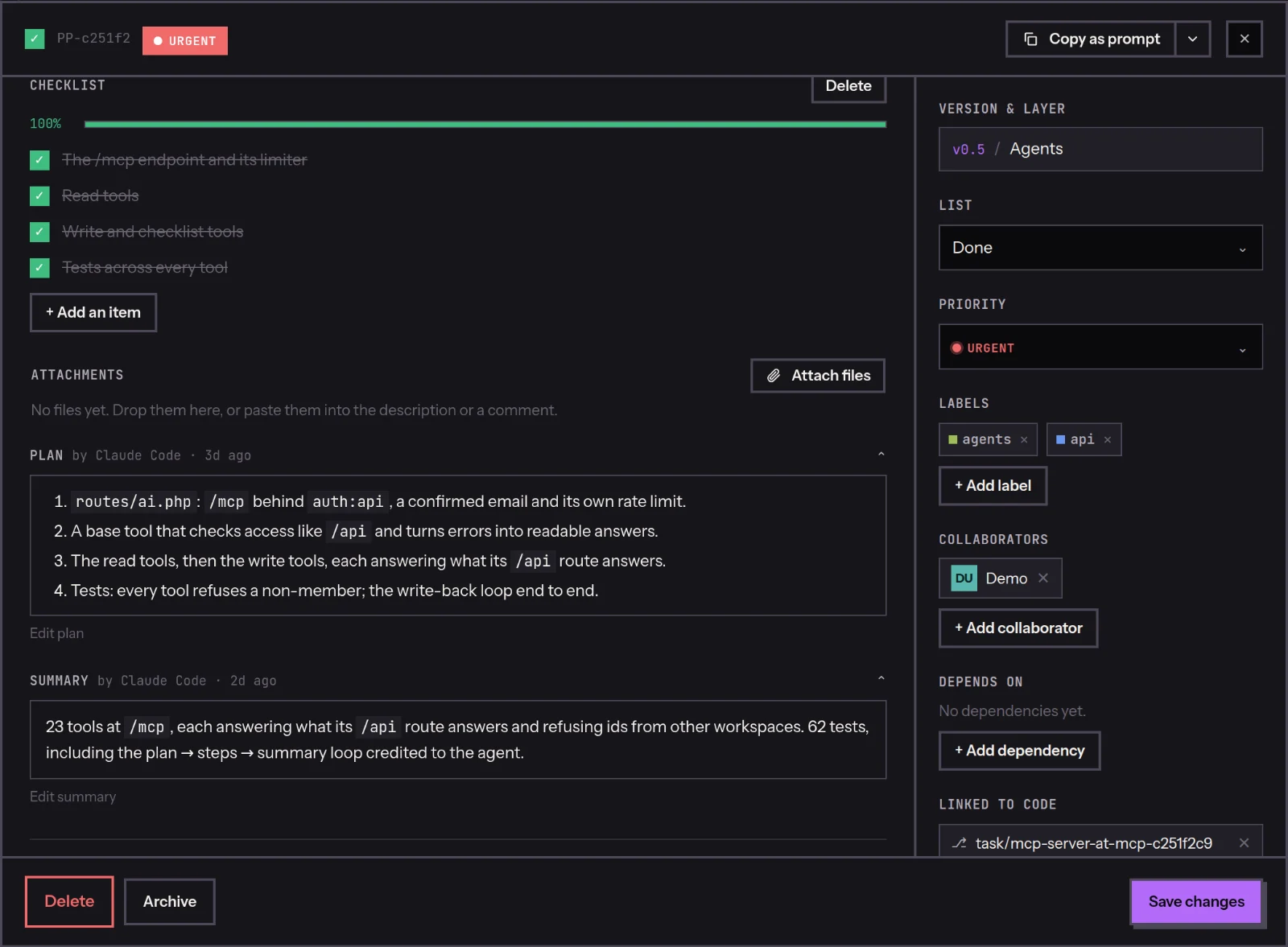
Description, checklist, plan and summary in one panel. When an agent writes the plan or the summary, the panel says which agent and when.
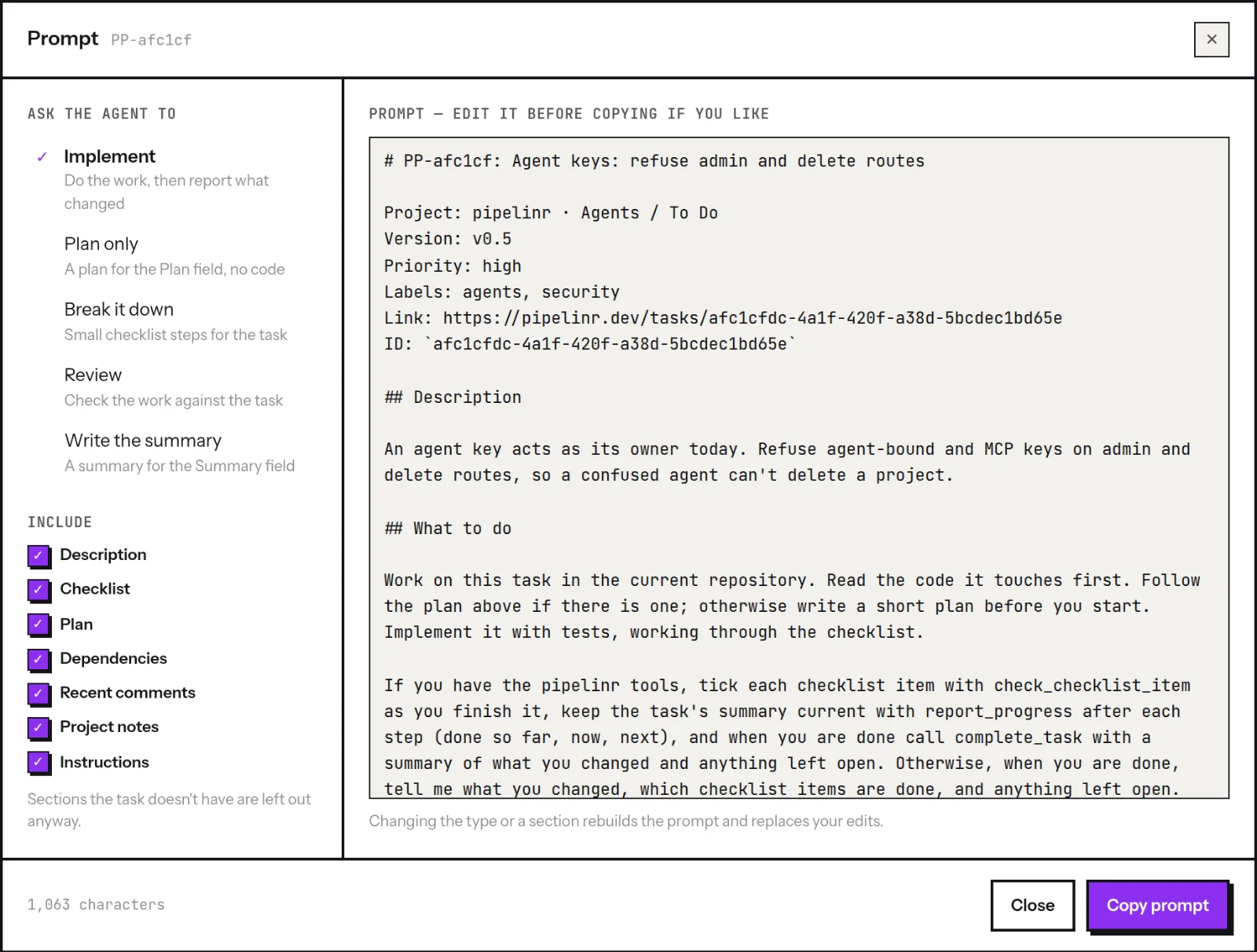
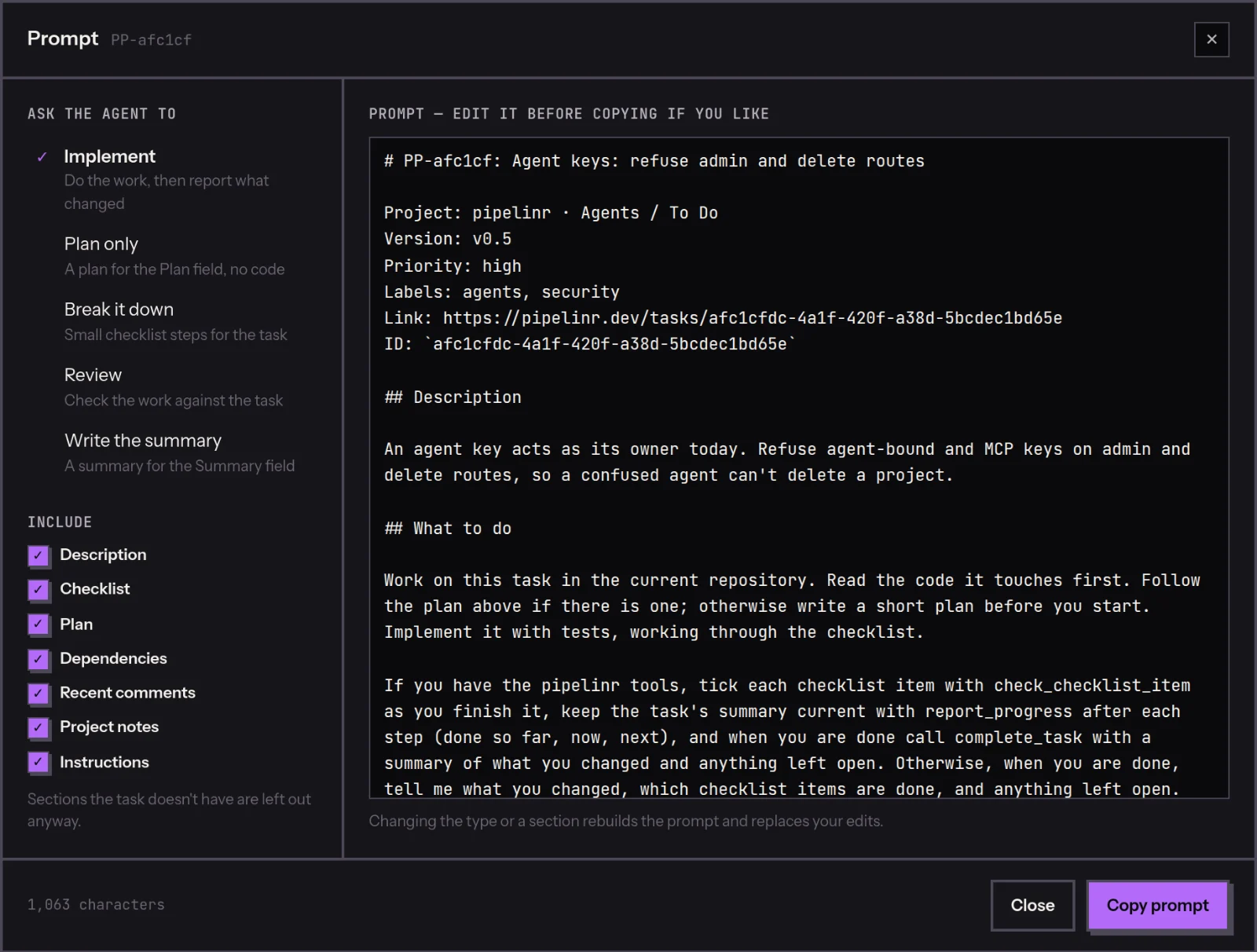
Copy it as a prompt
Ask for an implementation, a plan, small steps, a review or a summary. Choose what goes in, edit the text if you like, and paste it into Claude Code, Cursor, Codex or a chat.
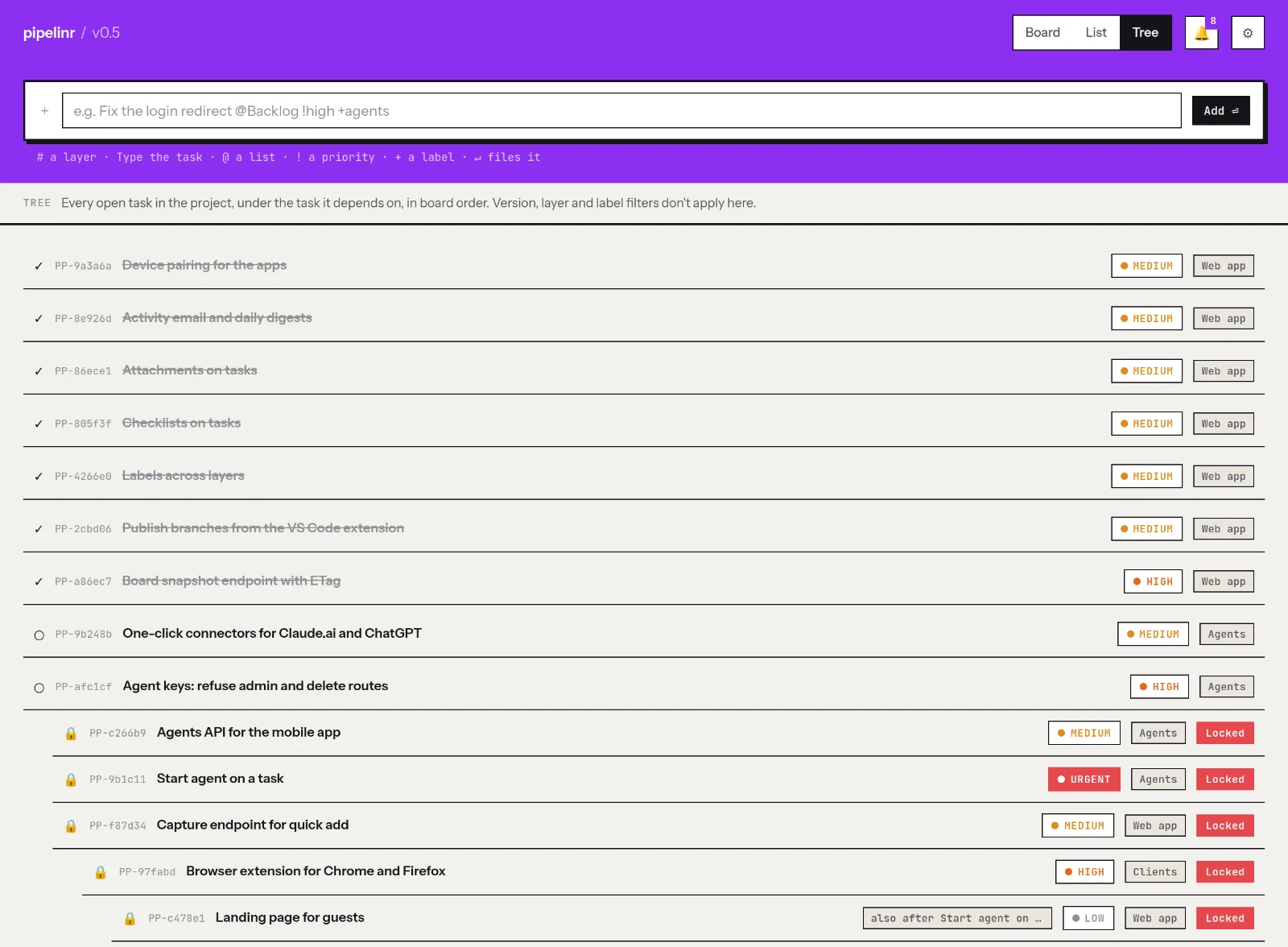
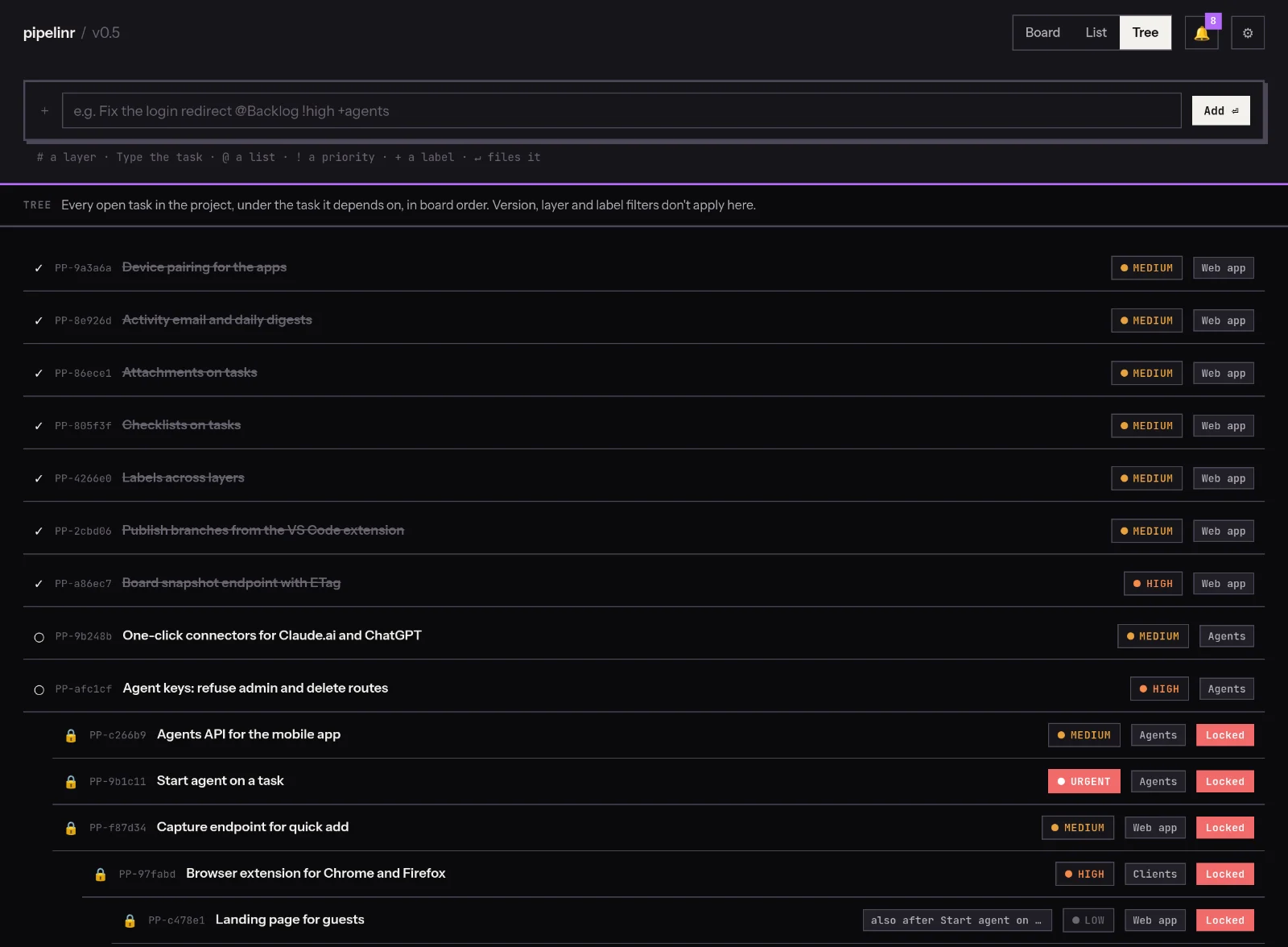
See what waits on what
The tree puts every open task under the task it depends on, across layers. A locked card stays locked until the work before it is done.
Every agent signs its work.
Give each agent a name and its own key. The plans, summaries, ticked steps and history it writes carry that name, so “what did Claude change?” always has an answer.
- →It works with your access and never more: its keys can’t delete anything, change roles or settings, or touch your account.
- →An Agent tab in every layer’s history, and a page for each agent: what it did, where, and what it wrote.
- →Revoke an agent and every key it holds stops working.
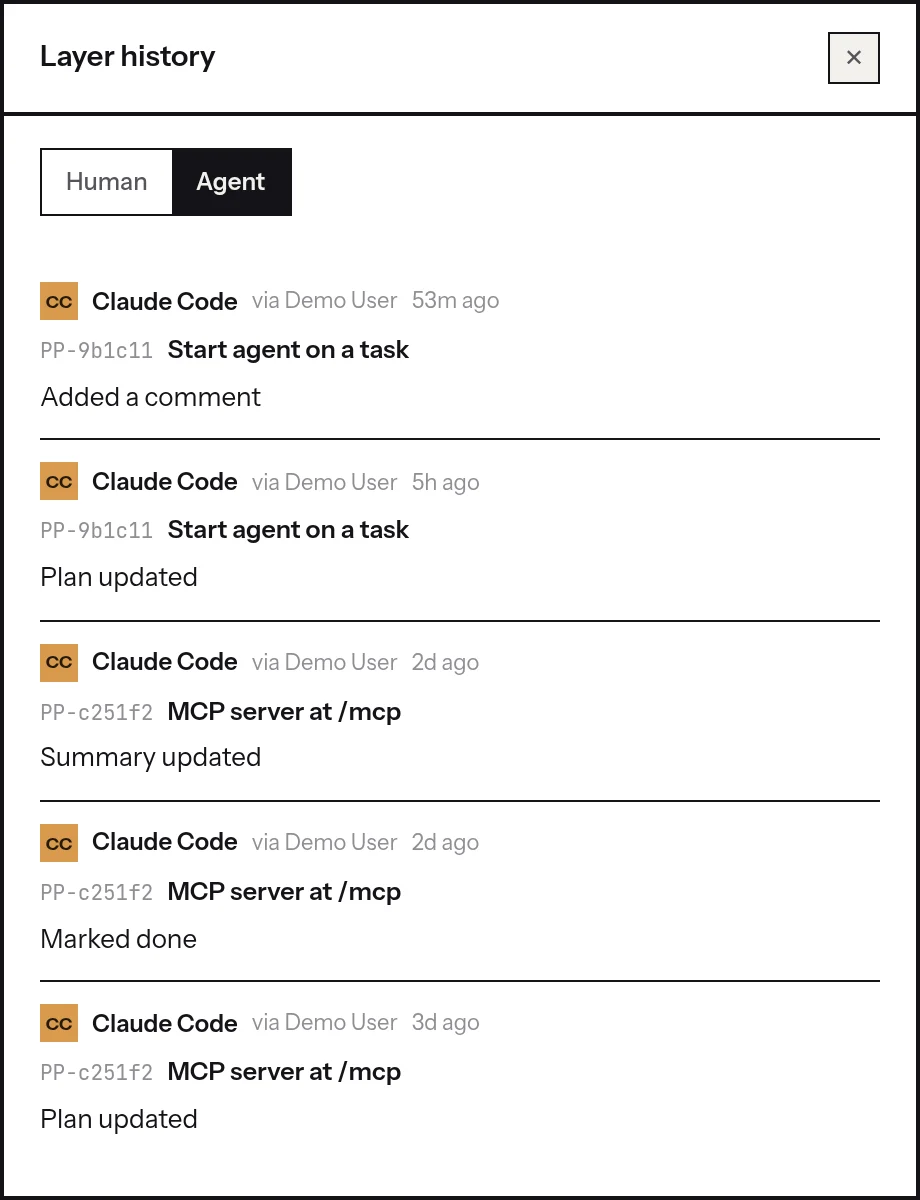
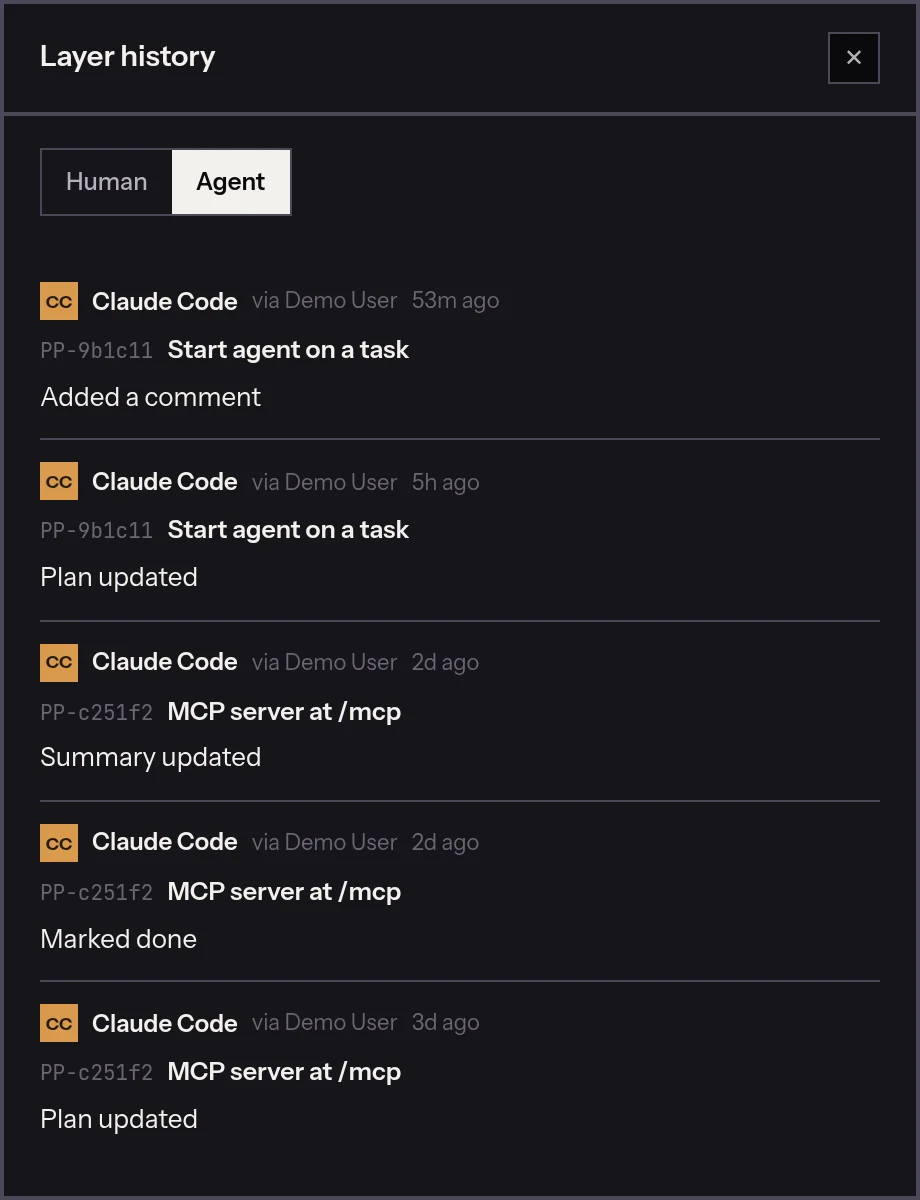
Connect it in one line.
Create the agent in Settings › Apps, copy its key once, and add the server to Claude Code, Cursor, VS Code or Codex. Ask it to pick up a task: it finds the task, writes a plan, ticks the steps as it goes and finishes with a summary, on the board you have open.
Or start it from the board.
Start agent on a task, pick one of your machines and check the prompt. Claude Code starts there on the task’s branch, and you follow it and answer it from the Claude app, on your computer or your phone.
Wherever you work.
One account, one board. Each app connects with a code you approve in the browser and gets its own key, which you can revoke.
VS Code
Your tasks beside your code. Pick a branch, start a task, hand it to Claude Code.
Desktop
Windows, macOS and Linux. A tray icon, quick add from anywhere, notifications.
iOS and Android
The board, comments and notifications on your phone.
Chrome and Firefox
Turn the page you are on into a task, with its link and your selection.
Free for what you use every day.
The free plan doesn’t expire and has no limit on projects or tasks. Pay only for what helps you: pipelinr ++ on its own, or the whole Lake Works suite.
Launch price: subscribe by 31 January 2027 and it holds for 12 months.
Free
Everything you need to plan the work.
- ✓Unlimited projects and tasks
- ✓Board, list and tree views
- ✓Quick capture: @list #layer !priority +label
- ✓Checklists, comments and attachments
pipelinr ++
Everything in Free, plus:
- ✓Tasks and lists copied as prompts for Claude Code
- ✓The VS Code extension
- ✓The task’s branch on its card
- ✓Agents with their own name and keys, over MCP
- ✓Start Claude Code on your own machines
Lake Works Stack
pipelinr ++, klokr ++ and fyncr ++: tasks, hours and invoices.
- ✓Full Stack: Stack plus every Bridge, 39 lei instead of 49
- ✓Teams of two or more: from 25 lei a person
Start a task and the timer starts on the client’s project; close it and the timer stops.
One invoice line per task, at a fixed price.
Bridges link two Lake Works apps and work on the free plans: 7 lei each instead of 9, or all of them in Full Stack.
Prices a month, in lei, without VAT. Paying yearly: two months free. Card or bank transfer, with the invoice through e-Factura.
Questions.
Which agents work with it?
Any client that speaks MCP over HTTP: Claude Code, Cursor, VS Code and Codex. Without MCP, Copy as prompt works with any agent or chat.
Does pipelinr see my code?
No. It keeps your tasks, plans and summaries, and the repository and branch names the VS Code extension publishes. The agent runs on your computer, in your editor or terminal.
Is it free?
Yes. The free plan doesn’t expire and has no limit on projects or tasks. You pay only for ++.
What is Lake Works?
Three apps made by Lake Software in Romania: pipelinr for tasks, klokr for hours and fyncr for invoices. Each is free on its own. Stack is all three in ++, and Full Stack also links them with Bridges.
I don’t pay VAT. What does it cost me?
The price plus 21%: pipelinr ++ is 10.89 lei a month at the launch price.